Auditory Reaction Time Test
Put on your headphones and press as soon as you hear the tone, taking care not to respond early.
Settings
Changing one restarts the attempt, and scores set under different settings are not comparable.
Quick start
- 1Put headphones on and set a comfortable volume. The tone is short and quiet by design.
- 2Click Start. Browsers only allow sound after a click, so this press matters.
- 3Wait. The tone arrives after 1.5 to 4.5 seconds.
- 4Press the space bar the moment you hear it.
- 5After five trials you get your middle time and where you sit.
Loading test
How you compare
Median auditory reaction time (ms). Lower is faster. Reference distribution, not CognitiveDrill data.
The median for this test is 230 ms. Take a run and your score appears on the bar.
Reference distribution, not CognitiveDrill data. It is shaped to match published results for this task and is replaced by our own norms once a cohort reaches n = 1,000. Shape based on: Woods DL, Wyma JM, Yund EW, Herron TJ, Reed B.
Try next
About this test
Sound beats light, and by a steady amount
You react to a sound faster than to a light, usually by 30 to 40 milliseconds. The reason sits in your ear and your eye, not in your brain.
Your ear works like a microphone. Sound physically moves tiny hairs inside it, and that movement is the signal, so it sets off almost at once. Your eye works more like photographic film. Light has to set off a chain of chemical reactions inside the eye before any signal leaves it, and chemistry is slower than movement.
You can measure the gap on yourself. Take this test and the visual reaction time test back to back on the same equipment, then subtract one from the other. Most people find 20 to 50 ms. If you find nothing at all, your headphones are the likely cause rather than your ears. The next section explains why.
Timing a sound is harder than timing a colour
With a light we start the clock on the frame that draws it. A sound has no frame. Your browser hands the tone to your sound card, which keeps its own clock, running separately from the one that draws the screen.
So this test converts between the two clocks. It books the tone for an exact moment on the sound card's clock. It then works out when that moment falls on the main clock, and starts timing there.
What no browser can see is what happens after the sound card. Bluetooth headphones delay the sound by anywhere from 30 to over 200 milliseconds, and nothing in the browser can detect it or correct for it. Wired headphones and wired speakers add close to nothing. Take this test on Bluetooth and you are mostly measuring your headphones, which is why the tool warns you on the start screen.
What the tone is, exactly
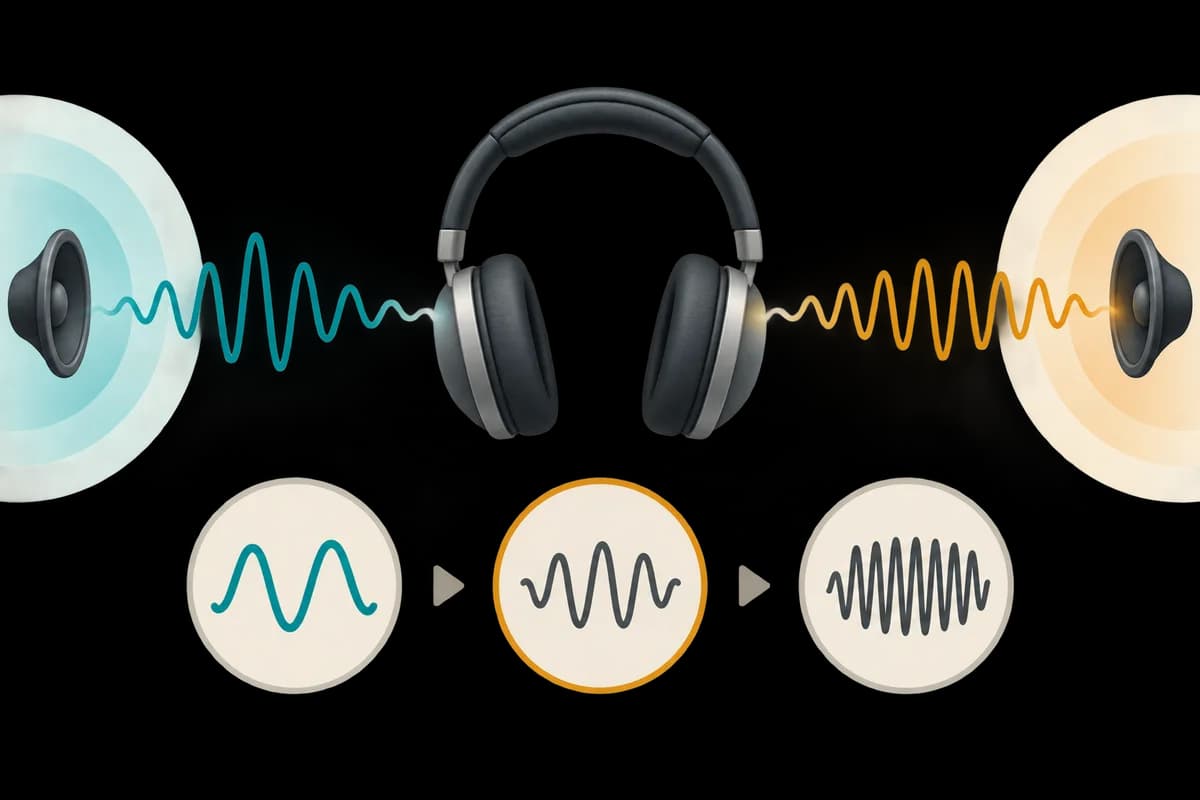
It is a plain 1000 Hz tone, 60 milliseconds long. It fades in and out over 5 milliseconds at each end so it does not click.
That fade matters. A tone that starts instantly makes a faint click of its own, and some people react to the click slightly before the tone. That would make scores look better than they are.
You can change the pitch because hearing is not equally sharp at every pitch. Most people hear best between 2 and 4 kHz. People who have lost some high-pitch hearing often react much faster to 440 Hz than to 2000 Hz. That gap is real, but it is about how clearly the tone comes through your equipment, not only how fast you react. Use a pitch you can hear comfortably.
Reading the score
Every warning about browser reaction tests applies here, plus one more. Your score includes a delay from your audio equipment that we cannot measure. So compare your sound scores with your own earlier sound scores on the same equipment first, and with other people second.
The age curve comes from tests using light, so it applies here in shape only. What counts as a good reaction time sets out how much of any such number is really your hardware.
Two practical notes. Do not close your eyes. It turns the task into something closer to a flinch. And do not crank the volume to chase a faster score. Louder tones do shave off a few milliseconds, so a loud run cannot be compared with a quiet one.
Questions
Why is my auditory reaction time slower than my visual one?
Almost always Bluetooth. Wireless audio adds tens to hundreds of milliseconds that no browser can see or correct for. Switch to wired headphones and the expected ordering usually reappears.
Do I need headphones?
No, speakers are fine and add less latency than most wireless headphones. Headphones mainly help by removing room noise, which makes the tone onset sharper.
Is this a hearing test?
No. It measures how quickly you respond to a sound you can already hear comfortably. Your headphones, volume and chosen pitch are part of the result.
Why is the tone so quiet and so short?
Sixty milliseconds is long enough to be unmistakable and short enough that you cannot react to the middle of it instead of the start. Keeping it quiet stops the test becoming unpleasant over repeated runs.
Does louder mean faster?
Yes, slightly, which is why volume should stay fixed across runs you intend to compare. Loud tones shorten auditory reaction time by a few milliseconds.